
The Virtual Machine Instances created on Onidel Cloud Platform have Automatic Renewal turned on by default. This prevents the service from being suspended in case you don't manually pay the invoice before due date. Automatic Renewal only applies to invoice based billing periods (monthly and longer). There is a similar concept for Hourly Billing called Auto Recharge. The invoice amount will be deduced from credits available in the account or subscription based payment methods.
You can verify it being enabled by navigating to Compute > Virtual Machine > (select your VM) > Overview > Current Billing. There, Auto Renewal field will say ENABLED.
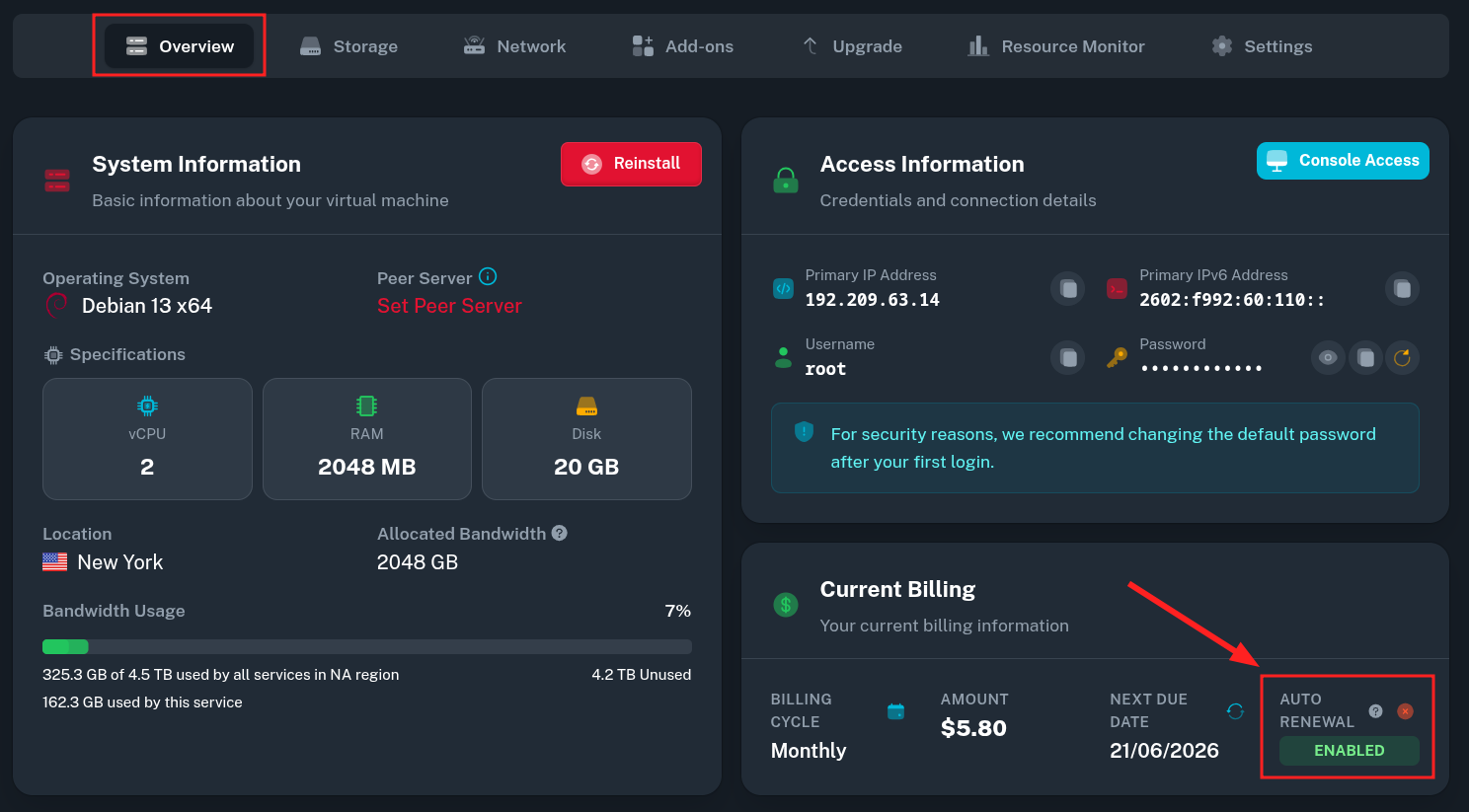
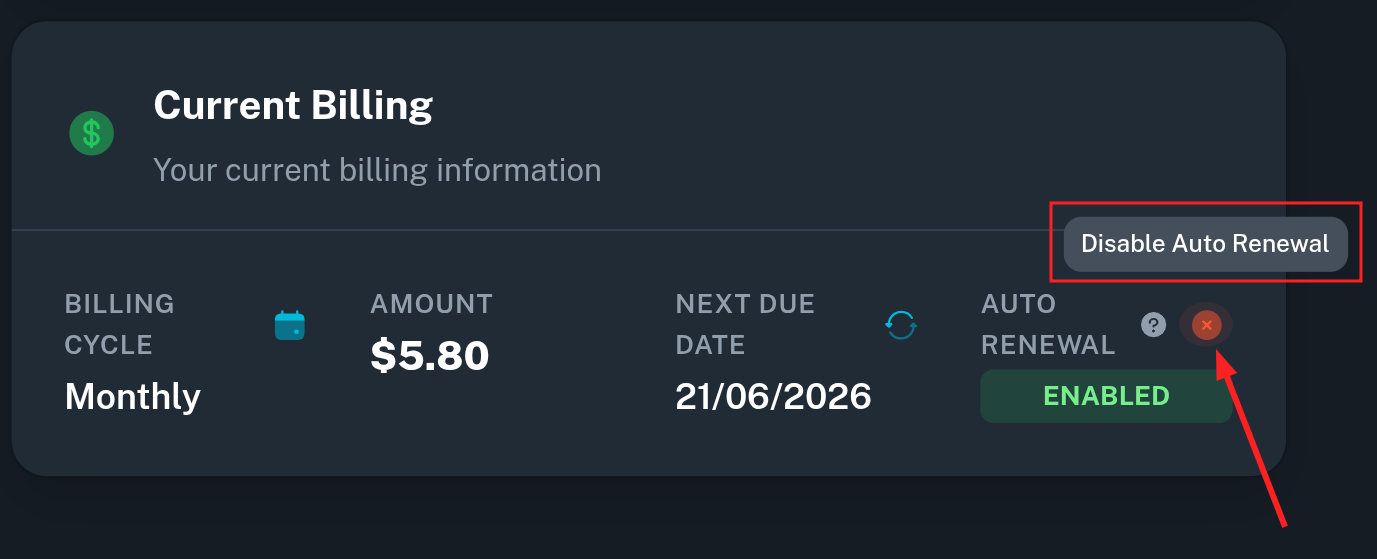
In this state, an attempt of payment will be made on the service due date. If you do not wish the service to be automatically renewed, you may disable Automatic Renewal:
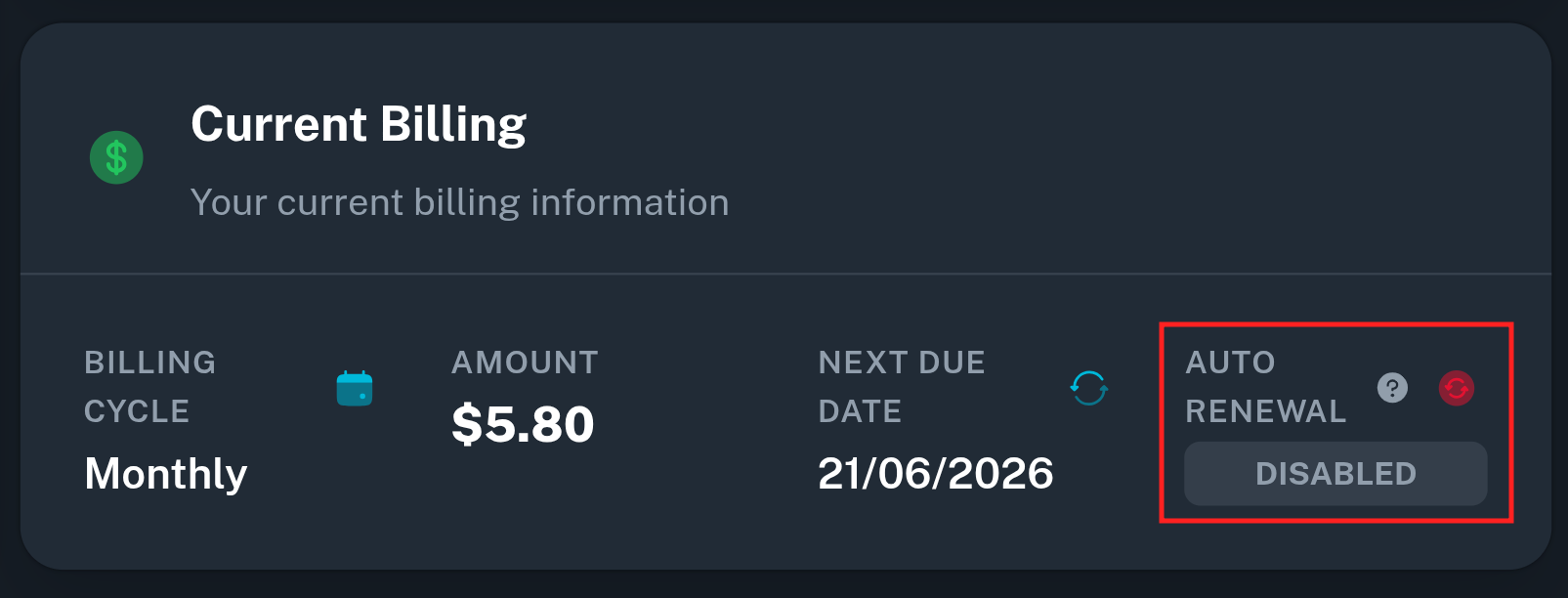
In case you accidentally got billed for a service you did not intend to renew, please open a ticket as soon as possible, requesting to cancel the service and get a refund as account credits.