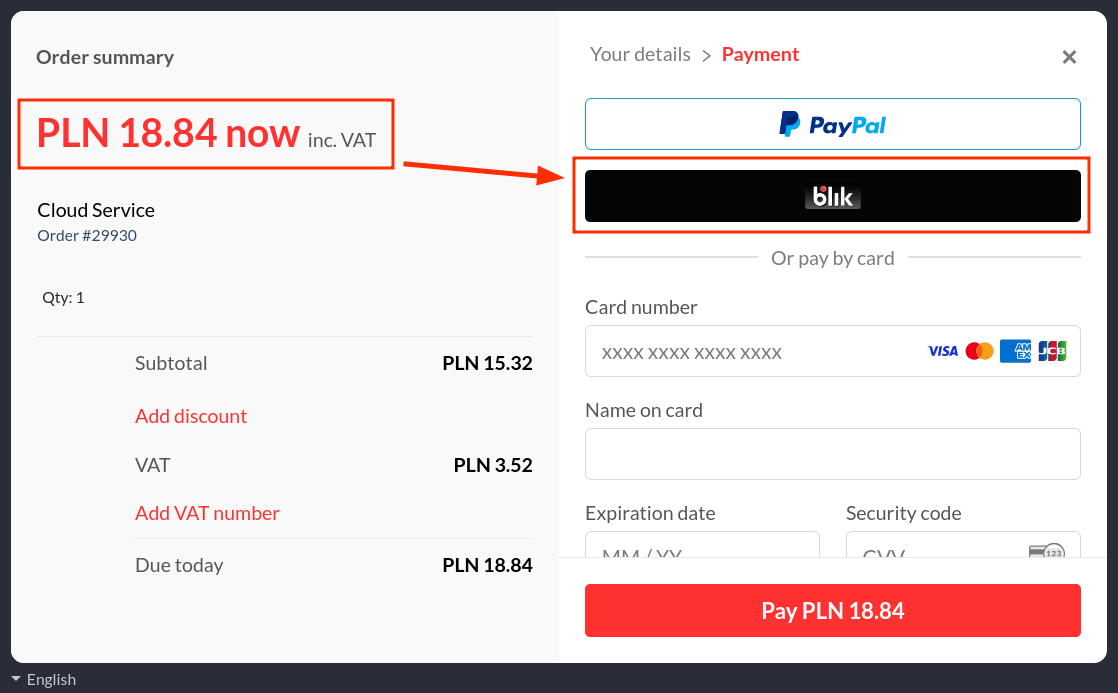
Onidel accepts payments via paddle, which supports multiple regional payment methods in local currencies.
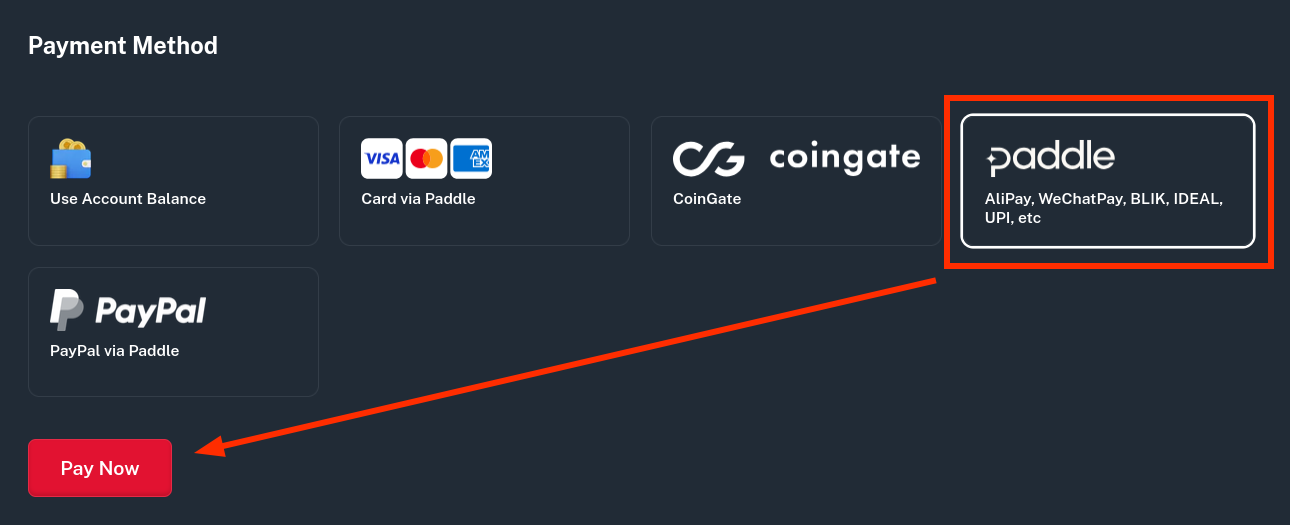
To pay an invoice or top-up balance with your local currency, select paddle as payment option, then click on Pay Now.
You will be asked if you want to pay using local currency or the team currency.
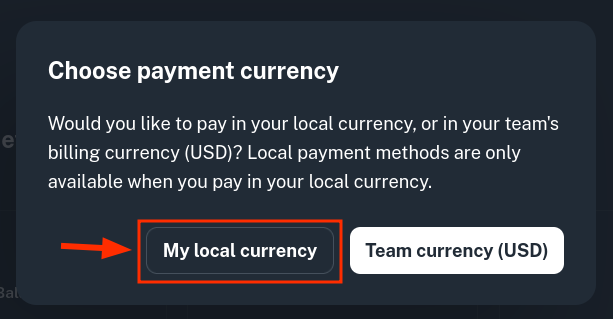
After selecting the local currency option, paddle will issue an invoice in the currency of your country.
When local currency payment is selected, you can also access regional payment methods such as BLIK.